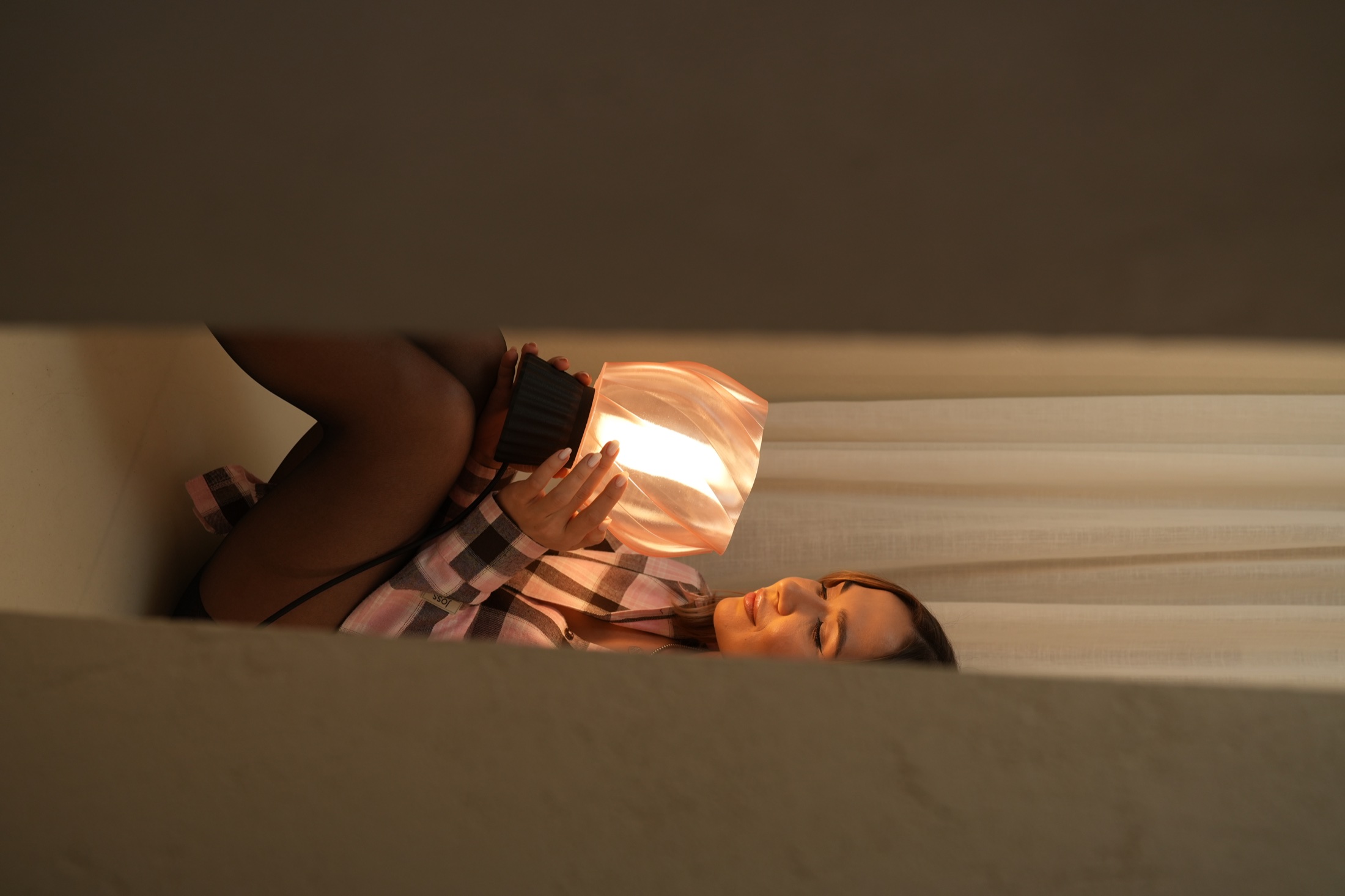
Smart light · simple setup
Connect your ACE to Apple Home.
The supplied smart RGB LED bulb can be added to Apple Home in a few simple steps.
- 01
Install the supplied bulb, plug in the lamp and switch the power on.
- 02
Open the Home app on your iPhone or iPad and choose Add Accessory.
- 03
Follow the setup instructions supplied with the bulb and the prompts on screen.
- 04
Choose a room and name. You can now adjust colour and brightness remotely.
Keep the setup instructions supplied with the bulb — you may need them again if you reconnect it.